
Support for access, timers and mobile connections | Bounty Game
Troubleshoot a loading page or paused countdown and follow illustrated iPhone and Android steps for setting up Cloudflare WARP.
Set up 1.1.1.1 WARP on your phone
iPhone setup steps
Open the App Store.
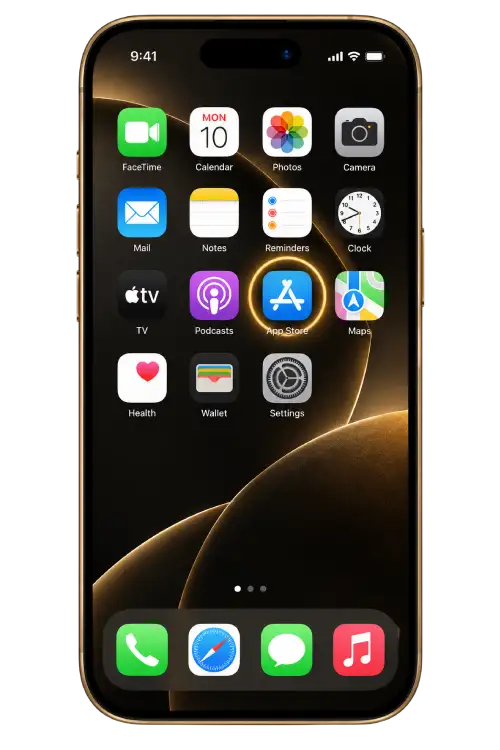
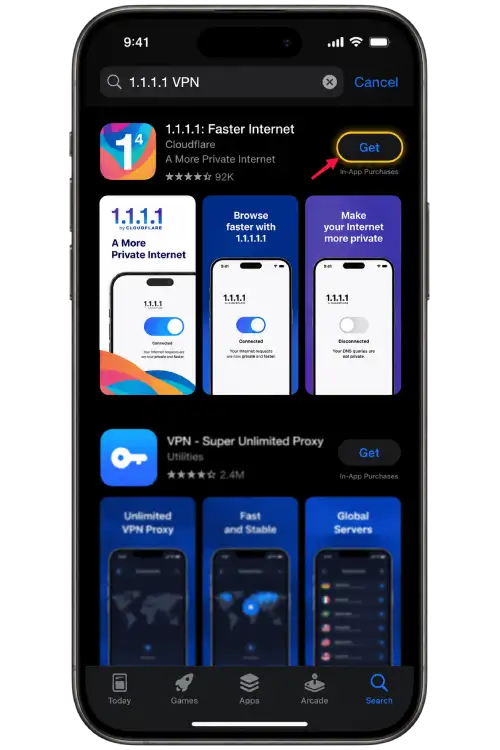
Find 1.1.1.1 by Cloudflare and tap Get.
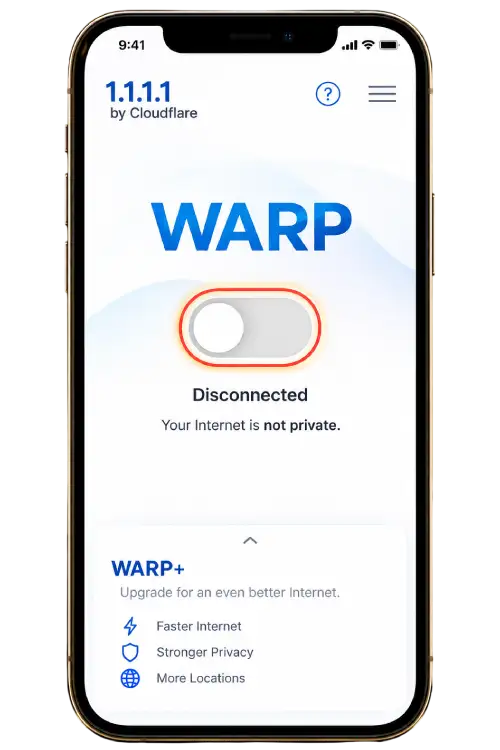
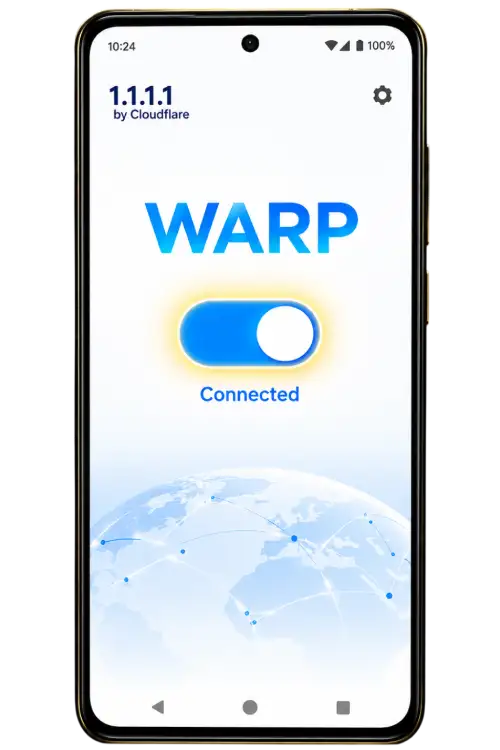
Open the app and turn on the WARP switch.
Check that the switch is on and the status reads Connected.
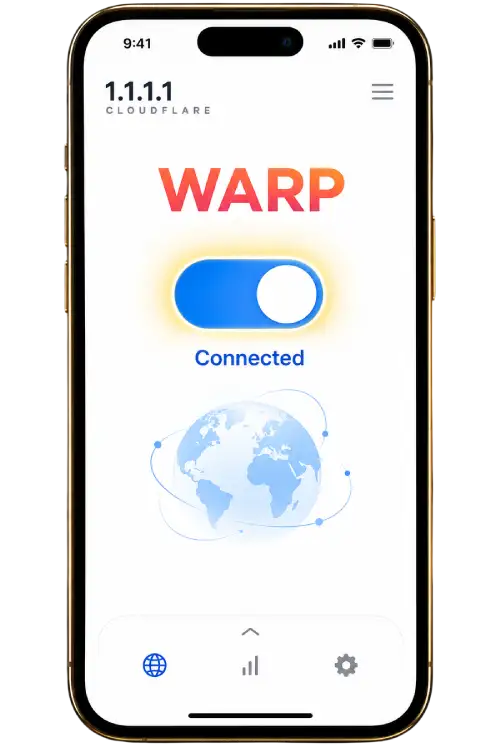
Android setup steps
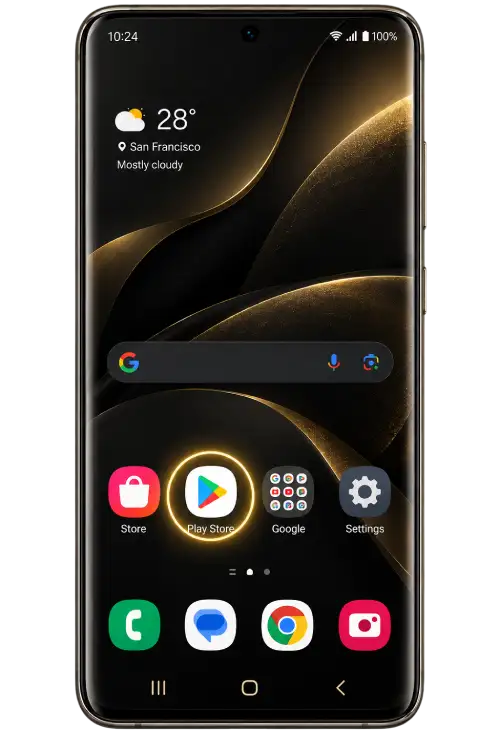
Open Google Play.
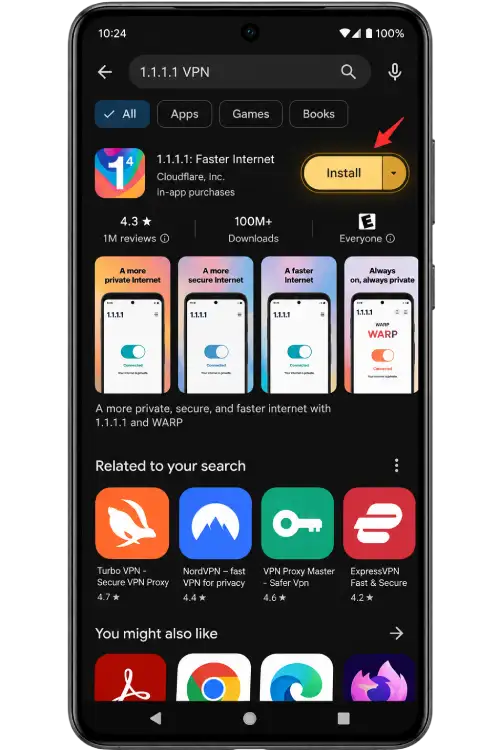
Find 1.1.1.1 by Cloudflare and tap Install.
Open the app and turn on the WARP switch.
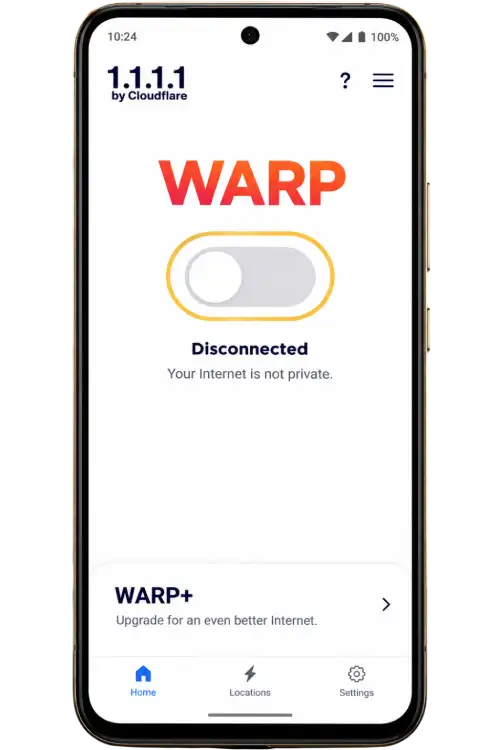
Check that the switch is on and the status reads Connected.
Identify the screen where the issue begins
Start with the last page that worked. A menu that will not open, a reference countdown that has paused and a sign-in message at an external destination each need different checks. Record the page name, the action you took and the words that appeared. A report with these three details is easier to follow than a screenshot with no context.
Check one change at a time
Try the same page in a regular browser tab before changing connection settings. If you already use WARP, compare the switch on your phone with the illustrated steps below. Write down which change affected the issue so you can describe it accurately.
The countdown is stale
Bring the page back to the foreground. Compare your device clock with its automatic time setting. When reporting the issue, include the selected interval and displayed period ID.
An account entry leads elsewhere
Check the destination address before typing account information. Use Contact for the listed channel, and keep private credentials out of messages.